Monday, June 05, 2017

Surface Book: artist review part 1

Surface book Artist’s review part 1


It’s been awhile since I’ve posted on my Blog. I’ve been mostly posting on my instagram these days.

My instagram account can be found here.


There’s been a shift from in my life and it’s kept me away from fun art. Things are slowly settling and I thought I would post my thoughts on the surface book.


Back in Oct 2016 my asus slate b121 kicked the bucket. My thoughts were to either try to get it repaired (with very vague price quotes for repair) or to invest in a Cintiq hybrid or a Surface Book.

There's very few post or reviews on any hardware in a digital artist perspective.
So I thought I would post my thoughts on the surface book.


Two Illustrator friends Charlene Chua and Huan Tran bought Surface Pro 4’s and made a recommendation to me. I almost went that direction as well, but decided on the surface book.

  1. For the extra processing power  
  2. For the extra battery life.

I’m not going to get into the technical details of it.
  1. There’s better people who can inform you about the information than I can.
  2. It’s BOOoooooOOooooringggg to write.

I decided on a Surface book 256 i5 8gb gpu. I needed something for my portable art needs and for teaching (I usually do art demos that get projected on screen).

My Asus slate b121 were ok for demos and remote freelance gigs for notes and sketches.
For final artwork or higher resolution, the machine chugged.


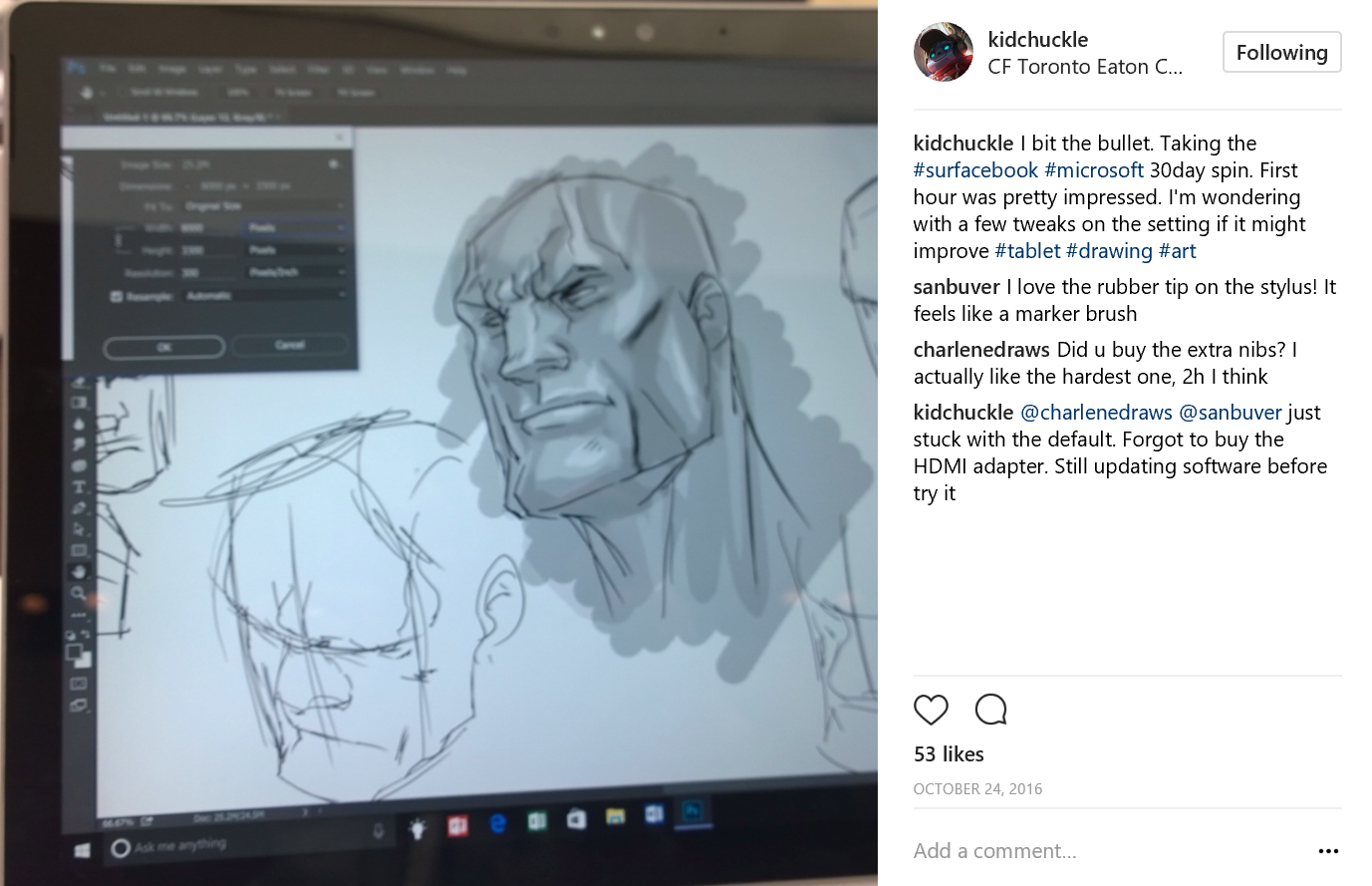
Some doodling at the Microsoft Store
Capture.PNG
Now straight out of the box in October when I bought the Surface Book, the pen sucked so bad. Which was kind of odd compared to the experience with the surface pro 4 in the store. I had tried a few sketches and it worked out ok. So why would the Surface Book with its beefed up hardware be worse than the book.


Thankfully there were people who had similar experiences and shared their solutions
Thanks Future Light Studios! (some of these performance issues maybe resolved from all the recent updates the last couple of months from windows 10)


Once with the new settings It worked so much better. I was able to get a smoother drawing experience.

The pen has a nice weight to it. Your experience might differ, it is much heavier than a wacom pen. It has a metallic body, and eraser at the back (I really dislike pens without erasers on the back of the tablet pen. I’m sure you can just hit the shortcut for eraser. But I prefer the intuitive feeling of just spinning the pen towards the eraser end.
I have a old Cintiq at home and have worked on the new Cintiq HD 24 and 13 from teaching.
So I’ve had time to play with those hardware.

So you’re wondering how does the pen compare. Well it’s not as good.
Just from a pressure test. The wacom is way more sensitive. It can capture the lightest of touch.
The surface book. I noticed didn’t pick up the lightest of touch nor does it take “tilt capabilities”

But that shouldn’t stop you from having a fun experience.
It’s a good time for artist to get portable drawing hardware now. This was such a better experience than my asus slate.
I use Photoshop, Illustrator and After Effects. I use these software almost exclusively, and I wanted hardware that allowed me to use it (sorry Ipad and apple pencil)

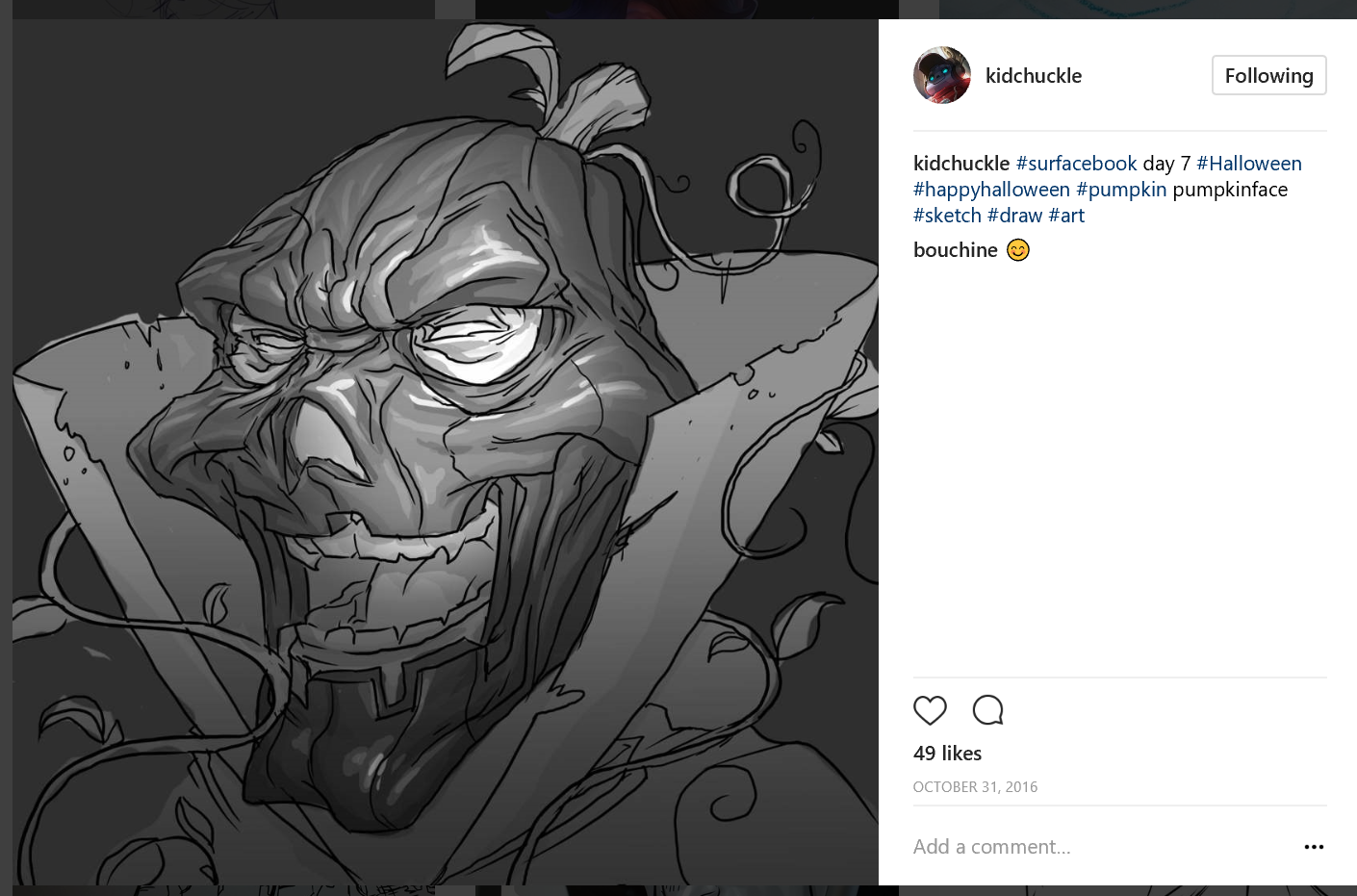
So far I’ve rendered a few pieces at max 8000 Pixels and the Surface Book held up just as well as my desktop. I actually use it more than my desktop now since I can watch my son play, and once in awhile slip in some work.
Capture.PNG


For a portable all in one system, I’m enjoying the experience. I've been able to mark and draw on the go. Take notes from phone calls. 

Previously I had my asus slate b121

And before that I used to lug a laptop and a Intuos 2 '13 around (back in the late 2000's). So I'm sure for any digital artist, there is a quest for a more portable system.


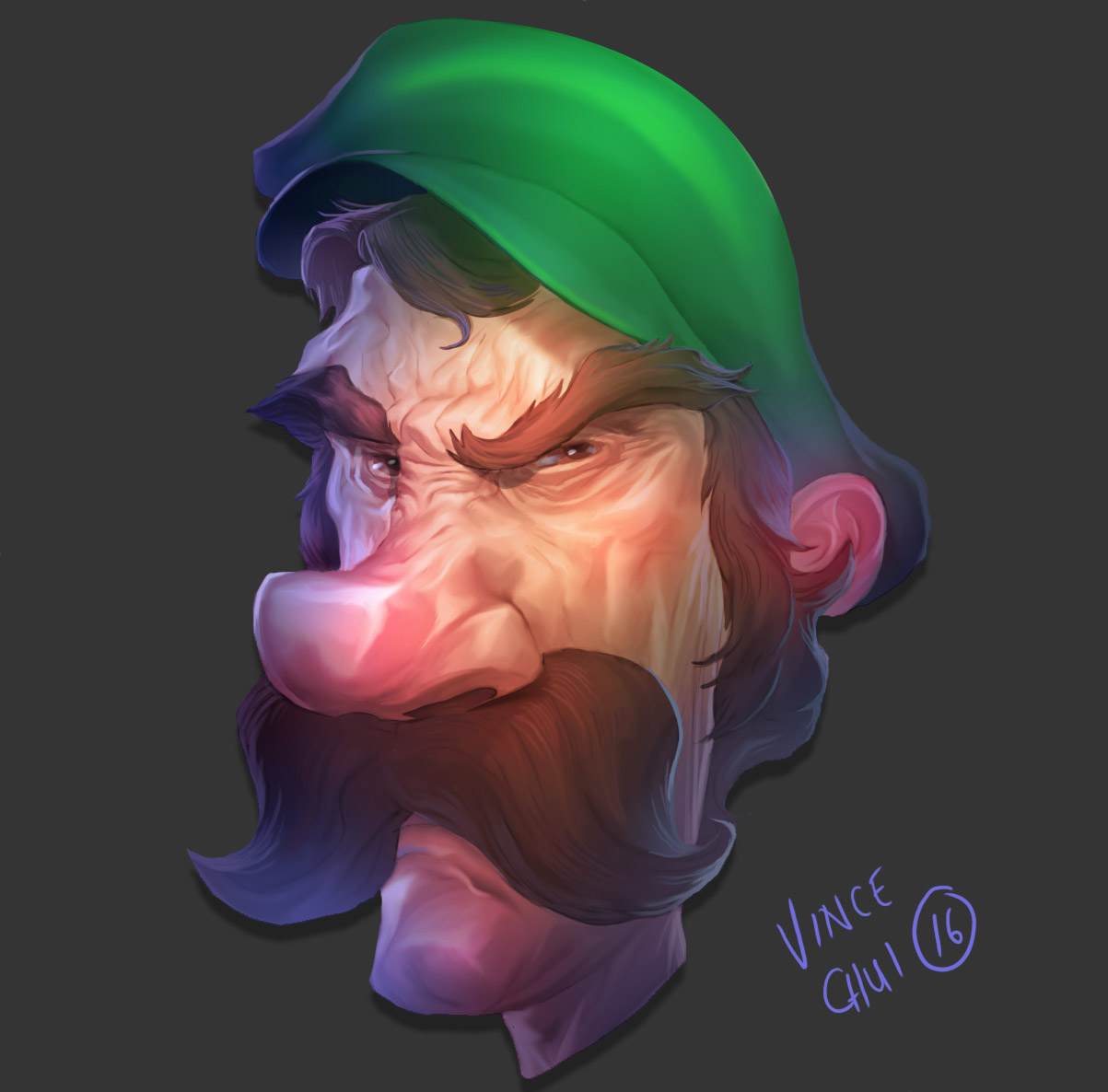
This Image was one of the pieces I did entirely working in Surface book.
luigi2.jpg

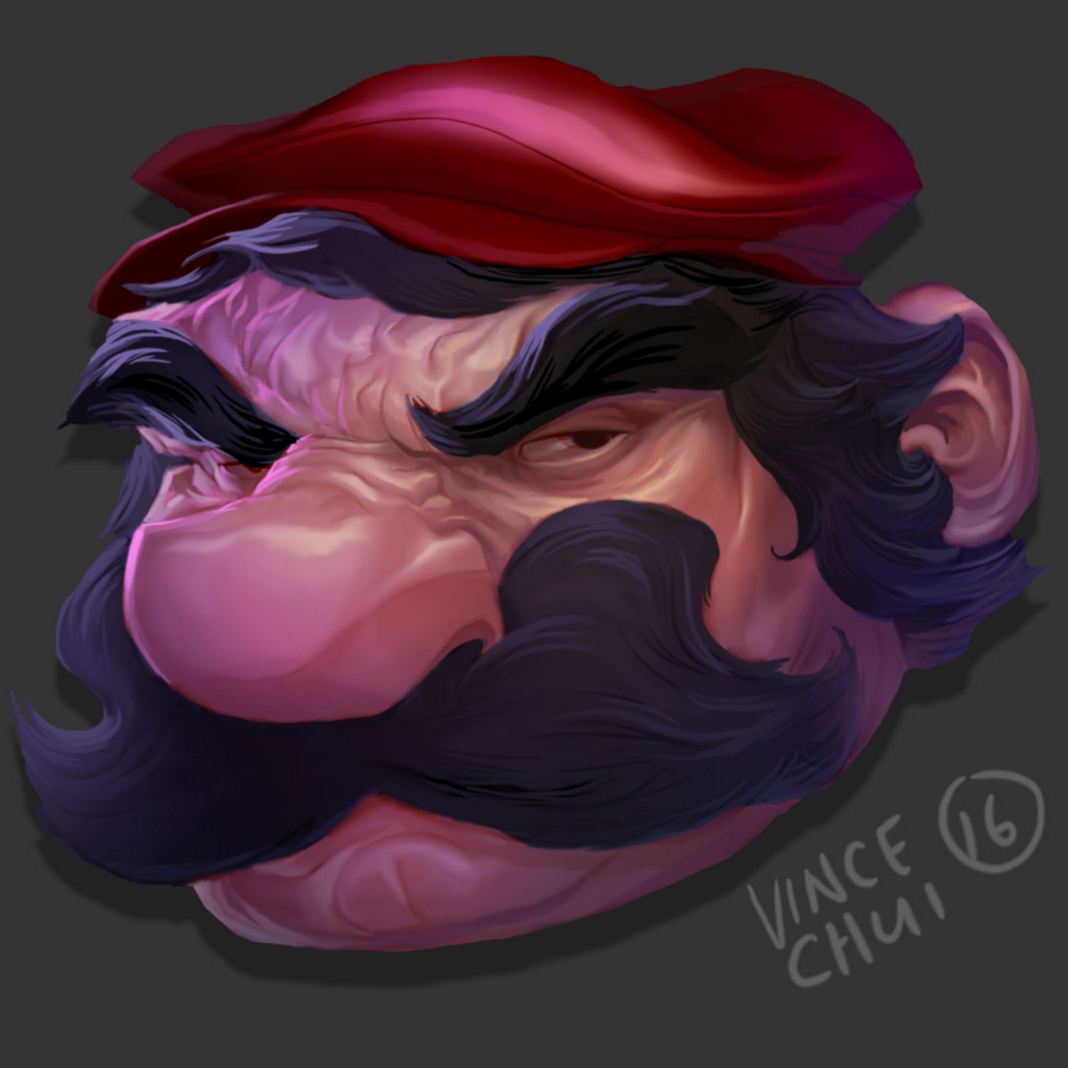
Compared to another piece where I did part Cintiq HD 24/13 and part surface book
4EC887C8-0B34-4D6A-A888-4371DD97C3CD.jpg


There is also one drawback that the surface book has. The Spine of the Book can not tilt back further than 100 degrees. Which makes it quite awkward to draw on.

You could just detach the screen and draw on it normally like any other tablet, but the downside that you will be sacrificing the extra battery life and processing power from using the base.

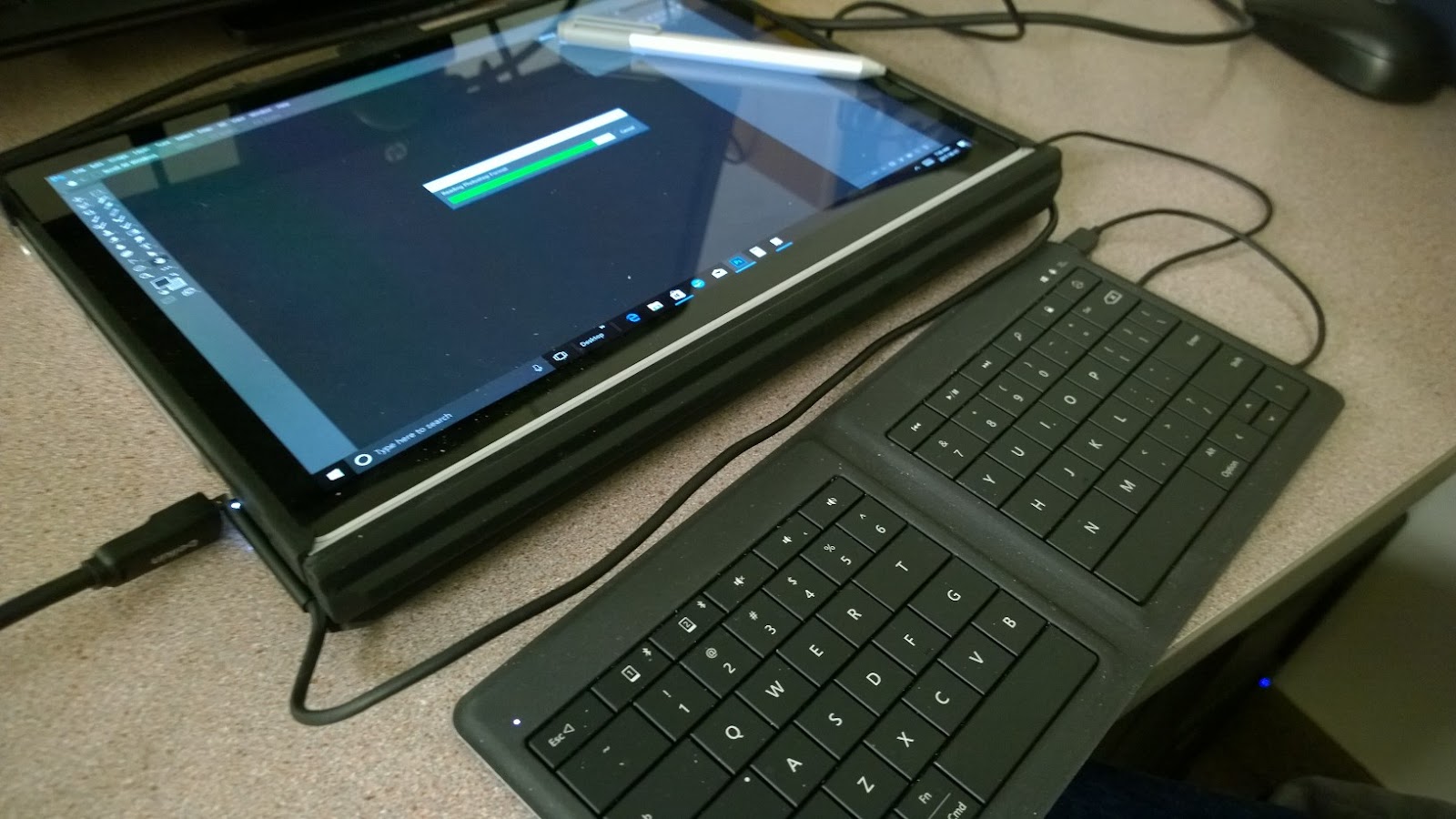
My work around has been flipping the screen and attaching the base. Unfortunately this means that the screen now covers the keyboard. I’ve had to purchase a small foldable keyboard so I can still type/mark assignments, and get access to shortcut keys for photoshop.

Here’s pic of my class setup connected to a projector.
I’ve also put a UAG drop protector on my Surface ( Just in case, I have a 3 year old, and I’m clumsy as heck if I don’t have my coffee.)

Battery life isn't bad, I want to say I can get a good 6-8 hr solid use of power before I get low battery warnings. Depending on how much resources I'm using.

WP_20170601_07_26_11_Pro.jpg

Earlier this month Microsoft announced a new Pen for the Surface Family.
It’s supposed to be 4 times as capable as the current model (you can read about it here)
With possibility of Tilt functionality coming later this year (on Surface Pro 4 and Book, so I’ve been told). It’s coming world wide June 15.

Which I’m planning to get.

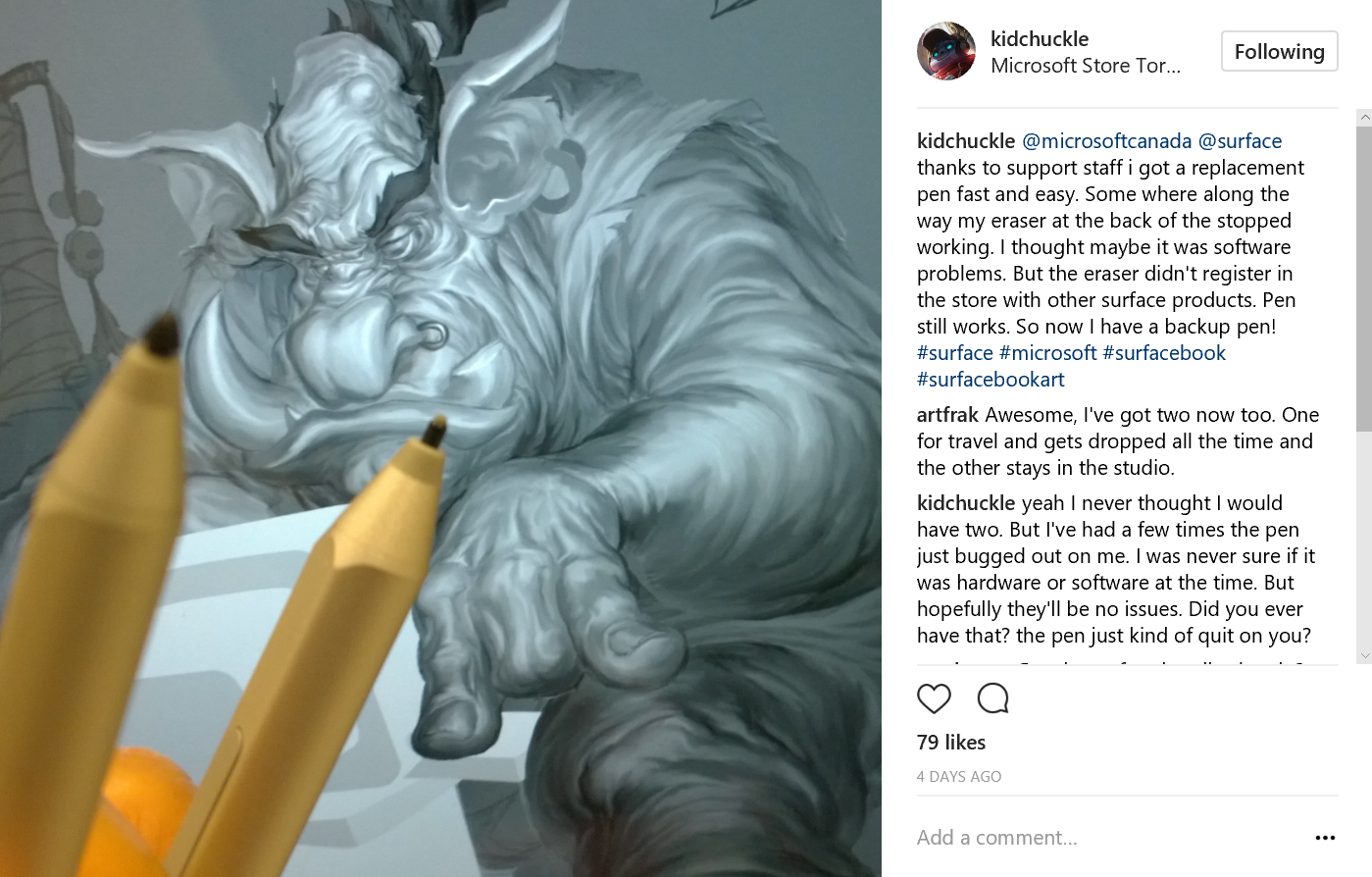
On recommendation from my Illustrator friend Charlene Chua, she had mentioned that the 2h Pen nib gives a better experience. I didn’t get it right off the bat. It was more like a forced thing after I dropped my standard nib and broke it.
But the 2h Pen is great. I might have broken my eraser at some point between the time I replaced the nib.

Fortunately no question asked Microsoft replaced it, with no extra cost on the nib, or the pen.(get the extra warranty).
Capture.PNG


Surface Dial
I’ve only played around with it in store. Do I plan to get it? Not sure, since Photoshop doesn’t support it yet, but I believe it’s coming soon. I’ll probably take my book one day and see if they’ll let play around with it. Unfortunately in the Toronto store, they don’t have the license to have Photoshop installed (which I think is a huge mistake!! Microsoft get on that, if you’re selling to creatives amateur or professional, it’s better to give them a true experience with tools most creatives use!)

Overall thoughts

So in the end, is it the greatest digital hardware that a artist can have? No.
But it is a step in the right direction for digital artist in the future (and so far I'm happy for what it is).
It has a good balance of portability, performance and battery life. Will it replace my desktop? Probably not, my desktop has a cintiq with a bigger screen and my desktop system performas faster in some areas).


I plan to do another update once the new pen is available later this month based on the pen and using "gaming mode" in the windows 10 creative update to improve performance in photoshop.

Friday, October 30, 2015

#zombie Happy Halloween


I spent a little bit too much time for the rendering. I didn't give enough time for the animation (the animation is pretty stinky I know). I promise to start earlier next year.

Wednesday, July 29, 2015

Emojibot: Ree sticker app #emoticons

Ree apps has launched their new emoticons.
Last year I had been busy making 25 icons for them for their new app.

Here's a animated preview of what's in store.


This robot is a modified version of a valentines card I did way back in 2008.


Tuesday, May 12, 2015

#fishmonster #eel #alien #chainsaw #mushroom

I finally had time to touch up some artwork that I started at a workshop a few months back.
I've been wanting to clean it up so badly, but it's been busy.
You can see the previous post here.

Friday, March 06, 2015

Robot Envy: Zenith

Robot Envy has started a Kickstarter.
It's a huge Collaboration of a bunch of artist who love to draw ROBOTS!

They've been kind enough to include me in their book.
They've give me a feature today, and will be featuring artists daily.

Check them out.
Make this book happen!

https://www.kickstarter.com/projects/davpunk/robot-envy-zenith

Tuesday, January 27, 2015

Oh Fishy Fish #fishmonster

Last Thurs I was asked to do a work shop on concept art.
As a class we did a brain storm session.
We decided to do some Character concept
Some topics were brought up, of those four were picked.
Electric Eel, Chainsaw, alien, and mushroom.

Below is the final image.


Here's the beginning of my process.
Some rough silhouette sketches.
Brainstorming ideas with all the elements fairly quickly
The fourth image was selected


A quickly refined image was made with some tone.

I hope to take this further to a more finished piece.

Thursday, December 18, 2014

Happy Holidays

It's been a busy December.
I threw this together. It's going to be my son's first Christmas. We're so excited to celebrate this time with him and the rest of our family and friends.

With that I wish everyone a happy holidays!

Tuesday, October 28, 2014

#Happy #Halloween #2014

Happy Halloween!
Hi Folks! This is my Halloween greeting card for this year. I've been really busy with work and my brand new baby boy. It's his first Halloween! I figure since he demands my attention all the time, I've made  him my focus for this year's greeting card!
Happy Halloween Folks!


Here's a preview pic of my son for Halloween. (I'll update this on the day of)
Cheers!

Tuesday, September 16, 2014

#Pixlr App artwork #fanexpo

Last month I had the fun opportunity to work on Autodesk's Pixlr app. This was their campaign #mysuperpower that was launched for Fanexpo

I've included some sketches and process videos for some of my favorite ones.

Pixlr is available on Desktop version or get the app for you smartphone.


Wednesday, August 06, 2014

#Thunderbirds @cerealgeek

I did this piece last year for Cerealgeek.
This was a bit of a education for me. And If you've read or know about Cerealgeek/ James Eatock.
He has a vast knowledge of kids shows of the yesteryear (I'd consider him a historian).
I was familiar with Thunderbirds  through my cousin but rarely saw the show (I only knew it from a toy that my cousin had. Diecast and super cool!).
I've posted the opening up below. Basically it's where "Team America" was a parodyof.

But what I didn't know they tried to reboot the show called Thunderbirds 2086, in anime form.
I vaguely remember it in the 90's. But I didn't make the connection since the look and feel was totally different.

It was a fun piece to try to tie the two shows together.


I found this documentary on the show as well


Thursday, May 01, 2014

Monday, April 14, 2014

#astroboy: @cerealgeek #mightyatom

Another fun piece I got to do for James Eatock! Astroboy was one of those childhood classics. As a kid I was robot crazy, Getter robo G(Staravengers, Mazinger, Grendizer, Gaiking!). So Astroboy goes up on that list.

Tuesday, March 11, 2014

#ThunderCats @cerealgeek

Feels like forever since I've posted.
I've been a little bit swamped and juggling a few things (online hiatus).
But this is some work I did for cerealgeek.com. For issue 9.
I've always wanted to work with James Eatock (mastermind behind Cerealgeek and youtube official Heman Channel. He's got crazy info and commentaries on there) and lucky enough I was able to fit it a few pieces with James last summer.
Please check out more from 

I'll be posting a few from the publication as they get published.

Oh yeah I just opened up a Instagram account. Feel free to add me!
http://instagram.com/kidchuckle

Tuesday, December 17, 2013

#HappyHolidays #ElvisLives

I started this since the summer. My father in law took us to the Elvis Festival (Elvis Lives was everywhere).  So basically you put Elvis Lives + scifi element and I did this.

Big thanks to Ricardo Martin for his Karaoke Elvis performance. And letting me use his performance for this video.

Happy Holidays

Thursday, October 24, 2013

I'm a Marvel kid! @marvel #spiderman #avengers #hulk #wolverine #thor #captain america

It's just about Halloween season. I just manage to scrape this one together.
It's based off a image a friend showed me on the web. It cracks me up everytime I see it.
I'll post the image below.
here's a closeup if you like to see it.
  

And here's that Ref that cracks me up! 

Thursday, October 17, 2013

#MOTU #Skeletor #Heman Skeltor: Master of the universe


It's been ages, since I've posted anything.  I've always wanted to come back to this Heman piece and work on a Skeletor.
I've been working on this off and on this year.

I figure I'd concentrate on this since I'm not sure if I would have time for anything Halloween this year.
But it kind of fits?????

Here's the old He-man one


Tuesday, July 30, 2013

ZOMBOOK!

Last Friday I got a nice surprise in the mail.
I was asked by Alan Graves to contribute to his  Zombook last year.
I was shocked how many entries and how thick the book is.
It looks great.

My contribution to the book. Easter Zombie rabbit vs Monster Egg.
pretty cool. I got a double page spread.


Monday, July 15, 2013

#SummerTerror in FULL SWING! #kaiju

Longer sunny days, great out door weather.
With the blockbuster Pacific Rim just coming out (which I still haven't seen).
I thought I put a funny spin on the Kaiju genre


Friday, June 14, 2013

#CerealGeek, #80s #cartoons @cerealgeek

I've done a few illustration pieces for Cereal Geek.
They're taking some preorder for their issues now 
I can post up some sneak peeks Buy it now!


Wednesday, May 29, 2013

Assassin's Creed 3 Ad/storyboards pt1

Some storyboard work I had done for Sidlee.
Based on the game Assassin's Creed 4.
It's not often that I get to work on ad's that cross paths with my nerd side.
A lot of fun.

This first piece is for a Bus ad. Using your Smart phone (it would play a animation).


                                                                       Storyboard 1
                                                                        Storyboard2

Storyboard3


var pageTracker = _gat._getTracker("UA-4322931-2"); // put in customized calls after pageTracker object and before_trackPageview() methods pageTracker.setAllowLinker(true); pageTracker._trackPageview();